A Video Site is a uStudio-hosted microsite that can host one or multiple videos for easy online publishing of video content.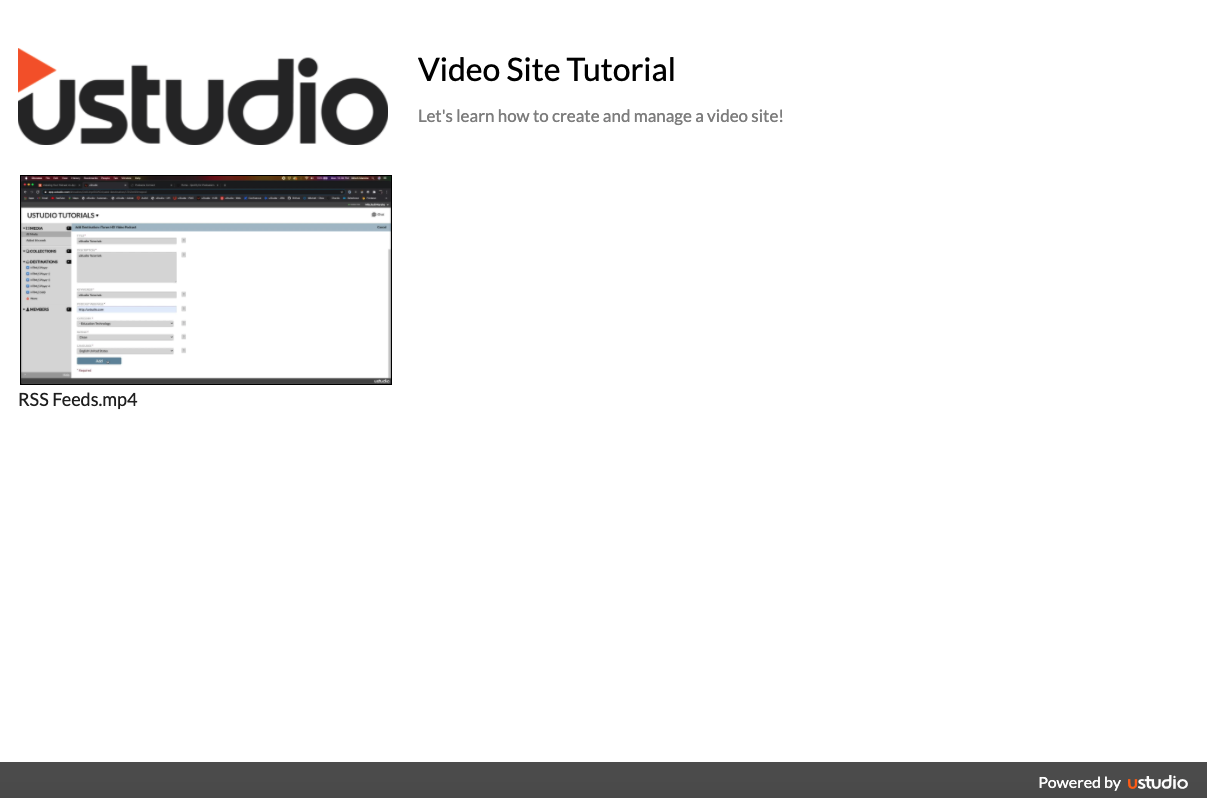
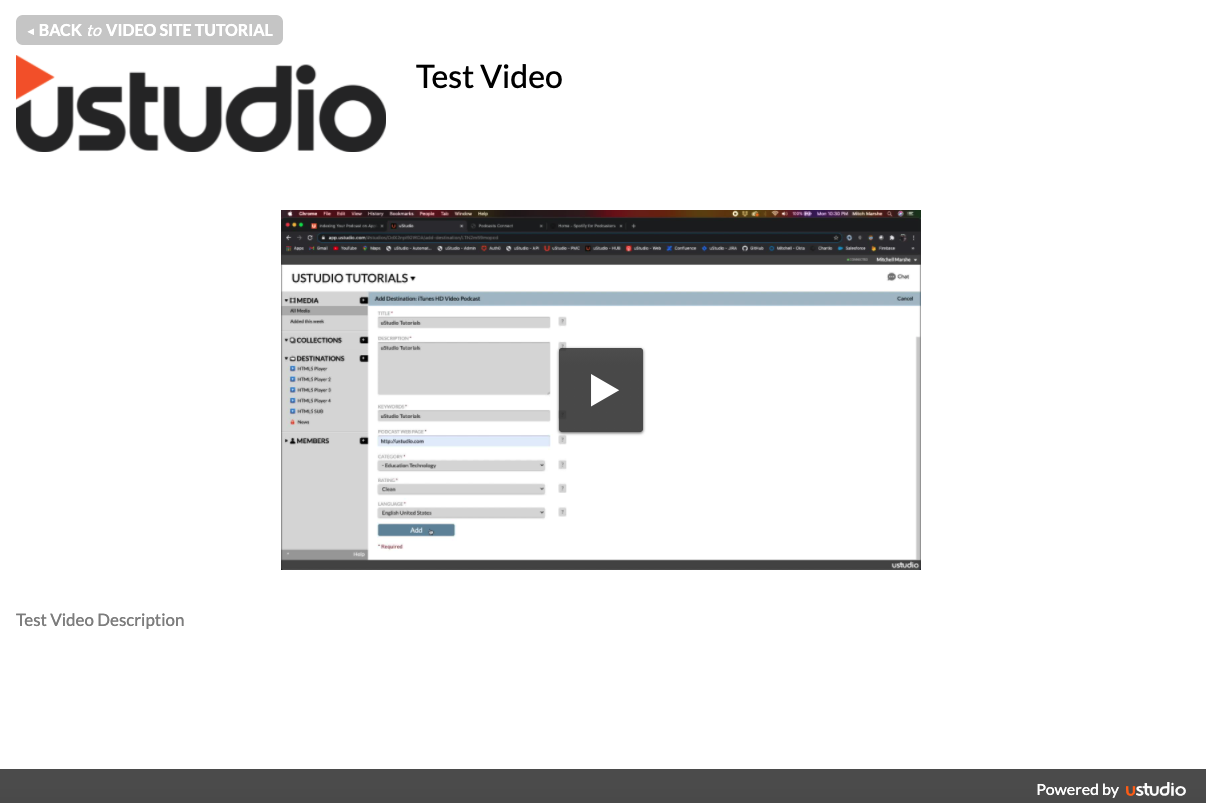
A uStudio Video Site is a quick and easy way to publish videos to a simple microsite that YOU control. Features include:
- A pre-built video gallery (handy if you're publishing >1 video)
- Custom site title and description
- (Optional) custom site logo
- (Optional) custom sub-domain
- (Optional) custom site password
- (Optional) ability for visitors to download the video(s) you've published
To add a Video Site in your studio:
- In HUB, click (+) next to the Destinations tab on the left-hand navigation panel
- Find the Video Sites tile and click "Add"

- At a minimum, you must specify a destination name and a Video Site title
- Click "Add" again and the new Video Site destination will appear on the left-hand navigation panel

- Now just drag and drop videos directly to your new Video Site! Or - select the videos you want to publish to your Video Site.

Each Video Site is like the gallery index for any video(s) published there. You can either share the site itself (click "Share Video Site" in the bottom toolbar of the studio), or you can share an individual video's page (click "Share Video Page" that appears on a video within the Video Site destination). Note that any video published will also show its title and description on its Share Page.
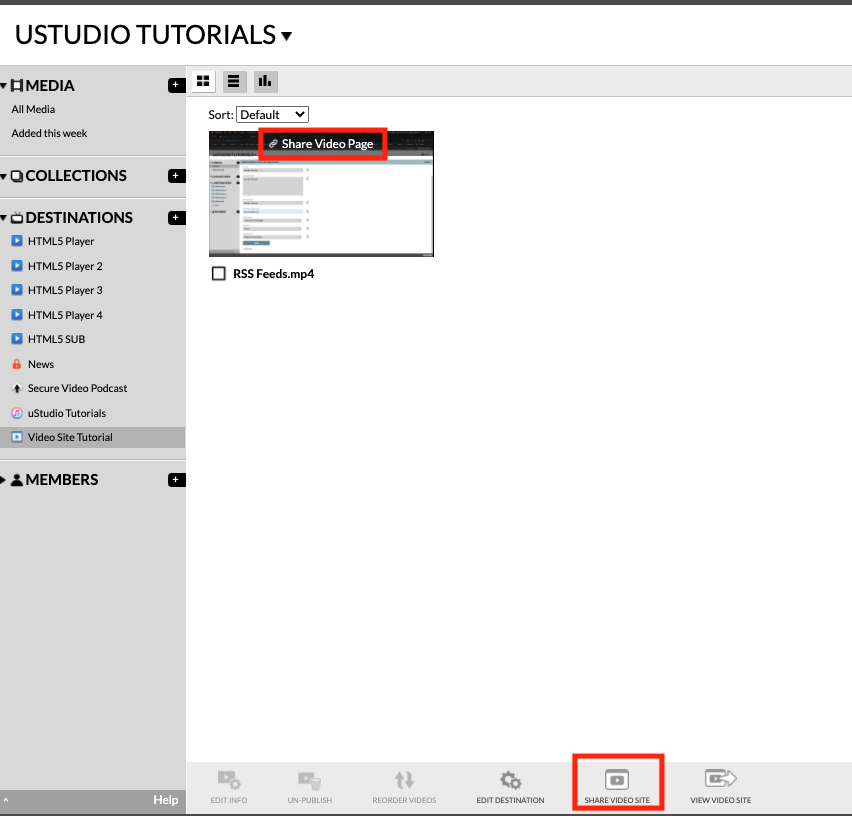
Select the Video Site in the destination list and click "Edit Destination" in the bottom toolbar at any time to update the site's logo, URL, password, etc.

Here is an example password-protected Video Site that uStudio shares with our customers: http://university.ustudiopages.com (the password is "learn")
NOTE: If you don't see a "Video Site" type destination in your studio, someone on your team may have requested that this type of destination not be used. Contact support@ustudio.com if you would like to use a Video Site but aren't seeing one available.
Select the Video Site in the destination list and click "Edit Destination" in the bottom toolbar at any time to update the site's logo, URL, password, etc.
Here is an example password-protected Video Site that uStudio shares with our customers: http://university.ustudiopages.com (the password is "learn")
NOTE: If you don't see a "Video Site" type destination in your studio, someone on your team may have requested that this type of destination not be used. Contact support@ustudio.com if you would like to use a Video Site but aren't seeing one available.


